
Give Every Customer Their Own Print Ordering Portal.
Make it easier for customers to request print, approve quotations and place repeat orders. ePRO private storefronts bring customer-specific products, pricing, artwork and ordering into an online environment connected to your print management system.
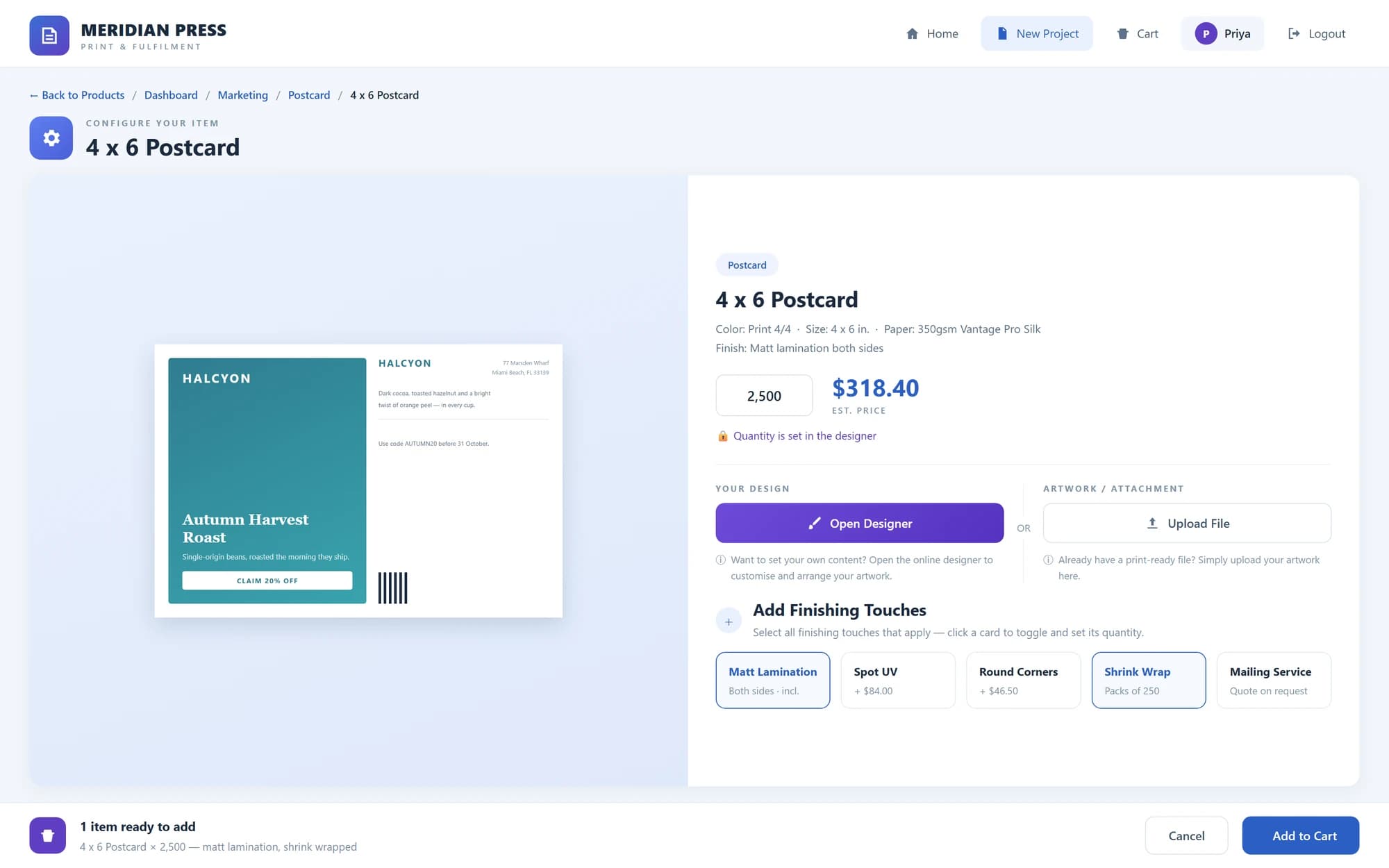
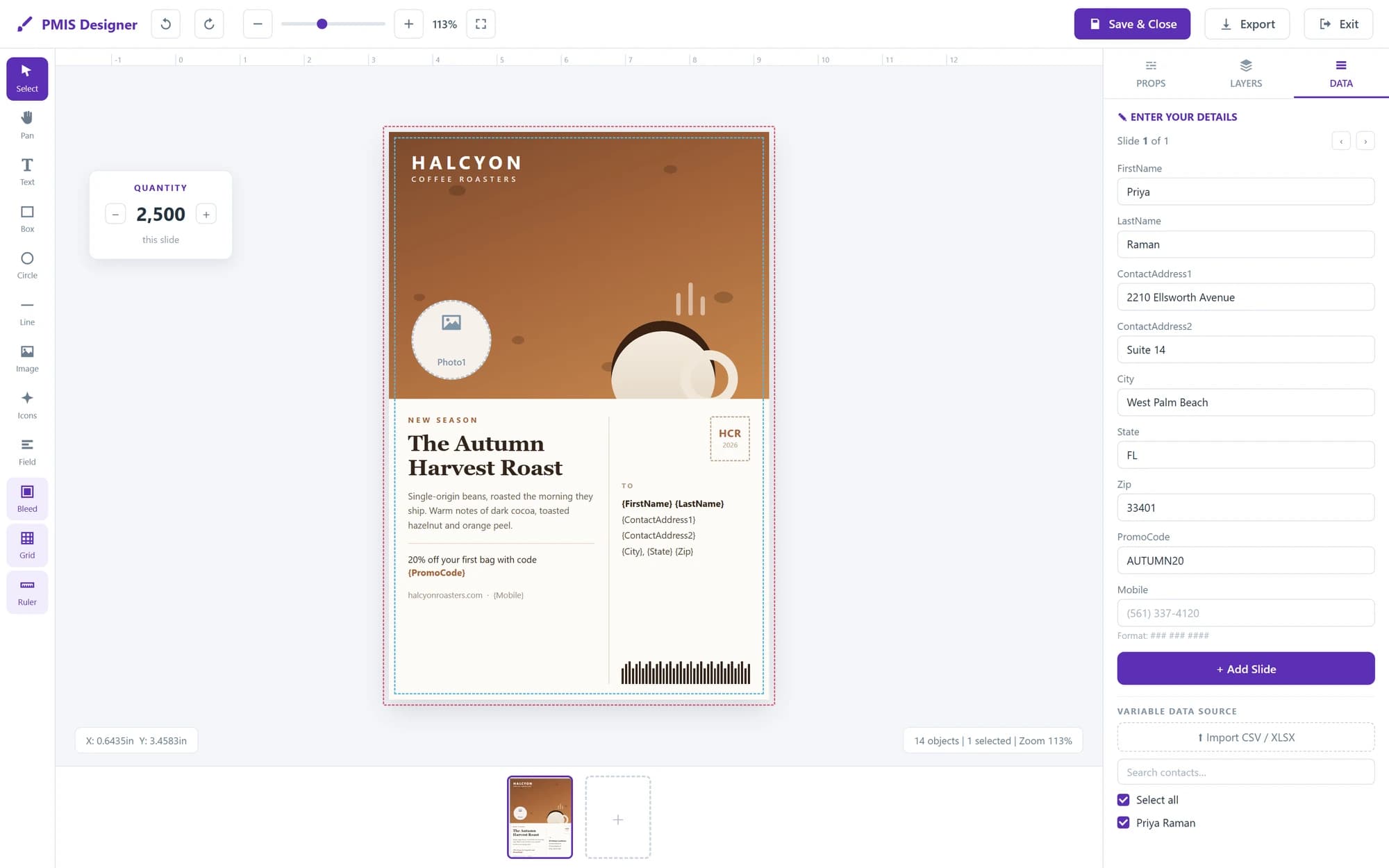
Product views shown with sample data.
Make Routine Ordering Easier for Both Sides.
A repeat order should not require another round of emails to establish the product, find the artwork and confirm the delivery address.
Give customers a familiar place to return to. Let them handle routine requirements online while your team concentrates on specifications, production decisions and enquiries that need personal attention.
The objective is not to remove the customer relationship. It is to remove unnecessary administration from it.
An Ordering Environment Built Around Each Customer.
- 01
Customer-specific products and pricing
Create branded storefronts for individual customer accounts. Present the products, prices and ordering options relevant to that organisation, rather than showing every customer the same catalogue.
- 02
Controlled access across locations
Support approved users, branches and departments, with multiple delivery locations. Structure access around the customer’s organisation and the people responsible for placing orders.
- 03
Online pricing and quotation approval
Allow customers to obtain pricing for configured products and specifications. Where a quotation needs approval, keep that decision within the ordering process before the work proceeds.
- 04
Artwork, personalisation and repeat orders
Let customers upload artwork, personalise supported templates, review order history and reorder established products. Carry approved orders into the ePRO MIS workflow without rebuilding the requirement.
Give Your Customer a Service They Can Build Into Their Business.
Consider an organisation ordering stationery for several branches. Each location needs access to the correct products, approved designs and delivery details.
A private storefront makes that recurring requirement easier to administer. The customer gains a consistent purchasing process, and your team receives a more structured starting point for the work.
From Customer Login to Production.
- 01Login
- 02Select or Reorder
- 03Configure
- 04Price or Approve
- 05Submit
- 06Job
The storefront handles the customer-facing activity. ePRO manages the estimating, production and fulfilment behind the order.
Frequently asked questions
Can different customers see different products and prices?
Yes. Storefronts can be configured around individual customer accounts and their ordering requirements.
Can every print requirement receive an immediate online price?
Online pricing applies to supported, configured products and specifications. Other requirements can follow a quotation and approval process.
Is this a public retail website?
This module page describes private B2B storefronts for approved customer users. Public retail storefront requirements should be discussed separately.
Make Your Business Easier to Order From.
Review how a private storefront could support your customers’ products, locations and repeat purchasing requirements.
